Public Contract Templates
Start with a template.
Make the review yours.
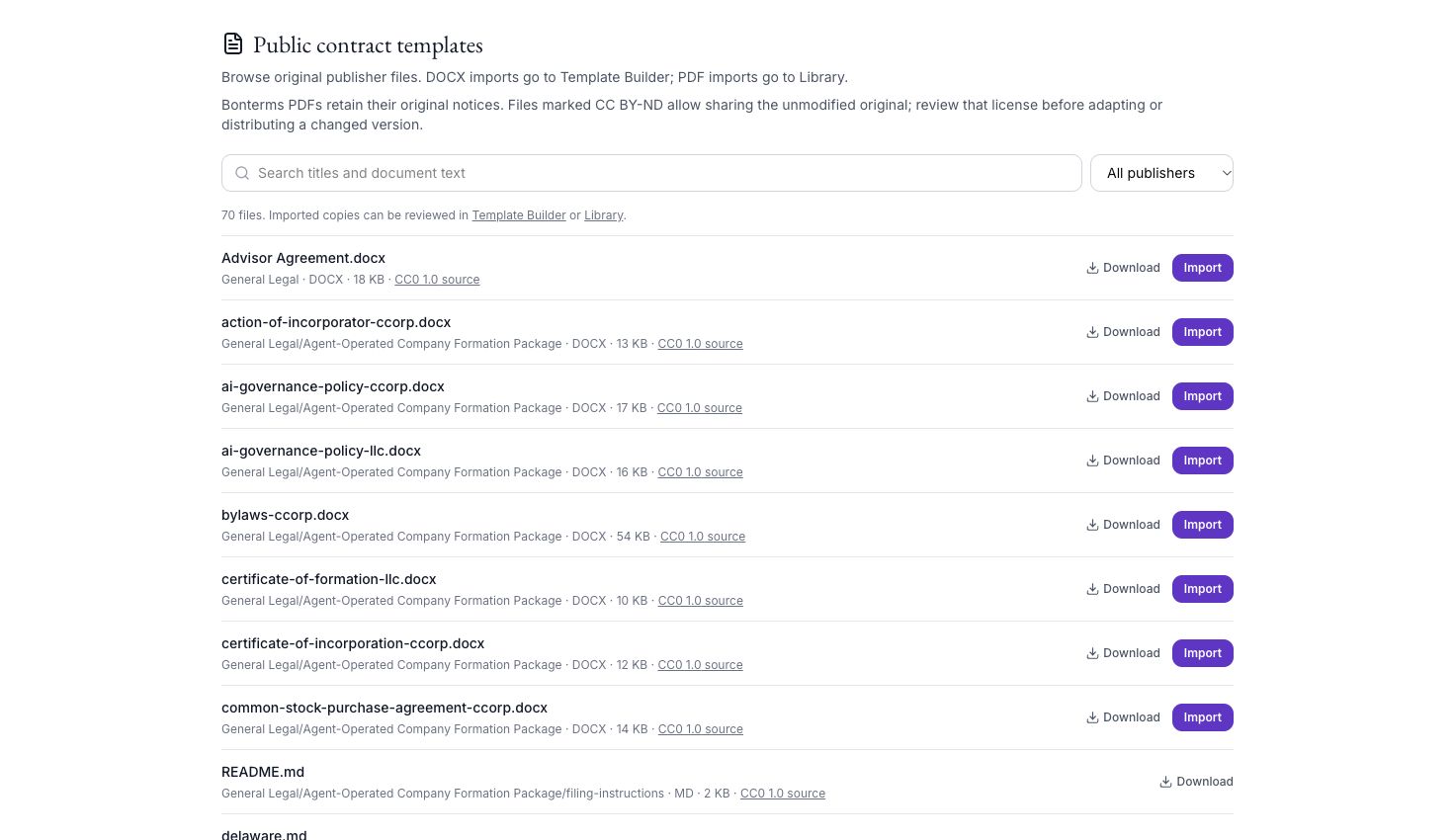
Browse publisher-provided contract templates, download originals, and import DOCX files into Template Builder or PDFs into Library. Each publisher’s license and notices still apply.
Caleto / Public Contract Templates
From context to next step
A clear path
through the work.
- 01
Find a starting point
Browse publisher-provided contracts and related documents.
- 02
Check the license
Keep original notices and review the publisher’s usage terms.
- 03
Import and review
Bring DOCX into Template Builder or PDF into your Library.
AI outputs require professional review. Availability, configured sources, provider access and usage depend on your deployment and plan.
Make room for the work that matters
Bring your next
legal question.
Choose Caleto Cloud, Self-Managed or Dedicated Cloud. Plan scope and usage are agreed with your team.