Sign & e-signatures Requires production setup
Bring the agreement
to its next step.
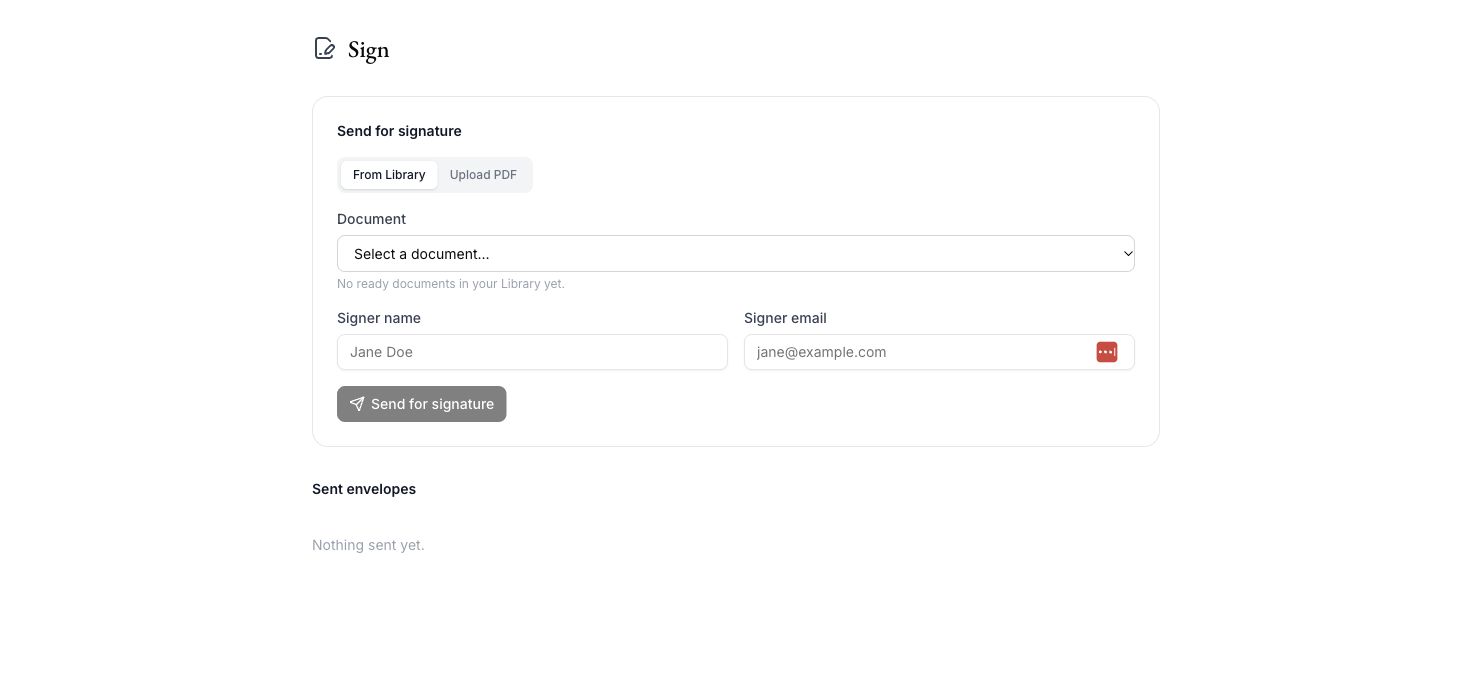
The Sign workspace provides document selection, signer details, and sent-envelope tracking. Sending through DocuSign requires provider configuration and end-to-end validation before customer use; provider charges are separate.
Caleto / Sign & e-signatures
From context to next step
A clear path
through the work.
- 01
Choose the document
Select the document you intend to send.
- 02
Add the signer
Prepare recipient details inside the Sign workspace.
- 03
Follow the envelope
Track the sending workflow after your provider is configured.
AI outputs require professional review. Availability, configured sources, provider access and usage depend on your deployment and plan.
Make room for the work that matters
Bring your next
legal question.
Choose Caleto Cloud, Self-Managed or Dedicated Cloud. Plan scope and usage are agreed with your team.